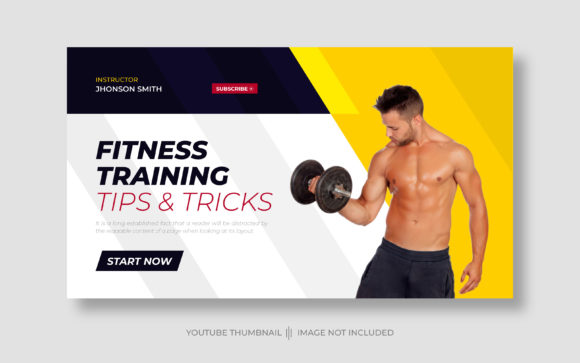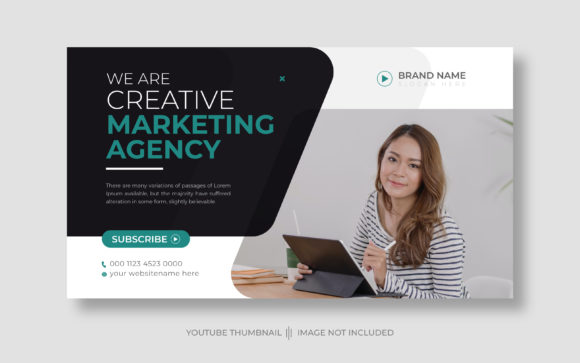
Professional Editable Corporate YouTube Thumbnails
First impressions on YouTube are everything, and a compelling thumbnail is your first and best chance to grab a viewer's attention. For businesses and creators, projecting a polished, professional image is non-negotiable. That’s where a high-quality Editable Corporate YouTube Thumbnail template becomes an invaluable asset, transforming your channel's visual appeal and click-through rates.
This resource is designed for anyone who needs to produce consistent, branded video content without starting from scratch. Imagine having a professionally designed foundation that you can quickly adapt for a new product launch, a company update, or an insightful industry talk. The core value lies in its flexibility—it’s not a static image but a fully customizable design asset. You receive a vector file in Illustrator EPS format, which means you can scale it to any size without losing quality, ensuring your thumbnails look crisp on every screen.
The customization process is straightforward, making it accessible even if you're not a seasoned graphic designer. You can seamlessly integrate your brand identity by adding your company logo, adjusting the color palette to match your style guide, and inserting your own relevant photographs. The template uses a free font, so there are no hidden costs or licensing headaches for the typography. Its standard 1280x720 pixel size is optimized for YouTube, guaranteeing your thumbnail displays correctly across the platform.
Creative Applications and Project Ideas
While the primary use is clear, the principles behind this template connect to broader social media graphics and brand identity work. A consistent thumbnail style acts as a visual signature for your channel, much like a logo design does for your company. This consistency builds recognition and trust with your audience. Think of each thumbnail as a mini-poster for your video content.
This approach is particularly useful for:
- Corporate Communications: Internal training videos, CEO messages, or quarterly reports can all benefit from a unified, professional look.
- Product Marketing: Create a series of videos for a product launch, each with a thumbnail that clearly communicates the video's focus while staying on-brand.
- Content Series: If you have a recurring segment like "Industry Insights" or "Tech Tips," a customizable template ensures each episode is instantly recognizable.
- Personal Branding: Consultants, coaches, and freelancers can use a consistent template to establish authority and make their content library look cohesive.
Tips for Selecting and Using Design Assets
When choosing any template or creative font, consider its readability at small sizes. Your thumbnail will often appear as a tiny rectangle on a viewer's screen, so bold, clear modern typography is essential. The mood of the design should align with your content—corporate doesn't have to mean boring, but it should convey professionalism.
Always test font pairings if you decide to customize the text further. A strong display font for your title can be paired with a simpler sans serif font for supporting text to create hierarchy and visual interest. Before downloading, review the available styles and, most importantly, the license. Ensure the asset is cleared for commercial use, especially if you're creating content for a business or monetized channel.
Ultimately, the right tools streamline your workflow and elevate your output. Investing in a well-structured, editable corporate YouTube thumbnail template is an investment in your channel's professionalism. It helps maintain visual consistency, strengthens brand recognition, and allows you to focus your energy on creating great video content, confident that your first impression is a powerful one.